QR menu
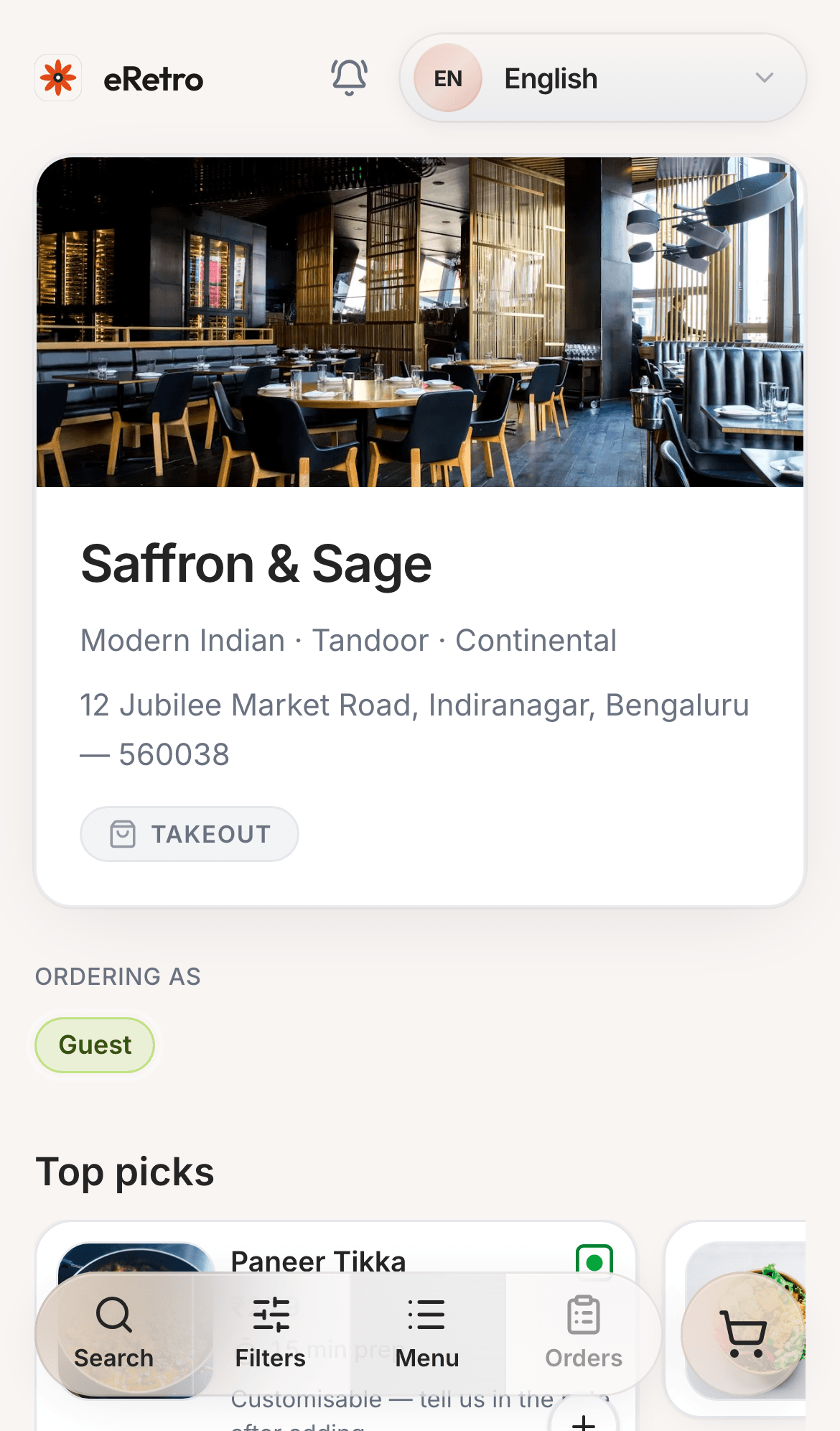
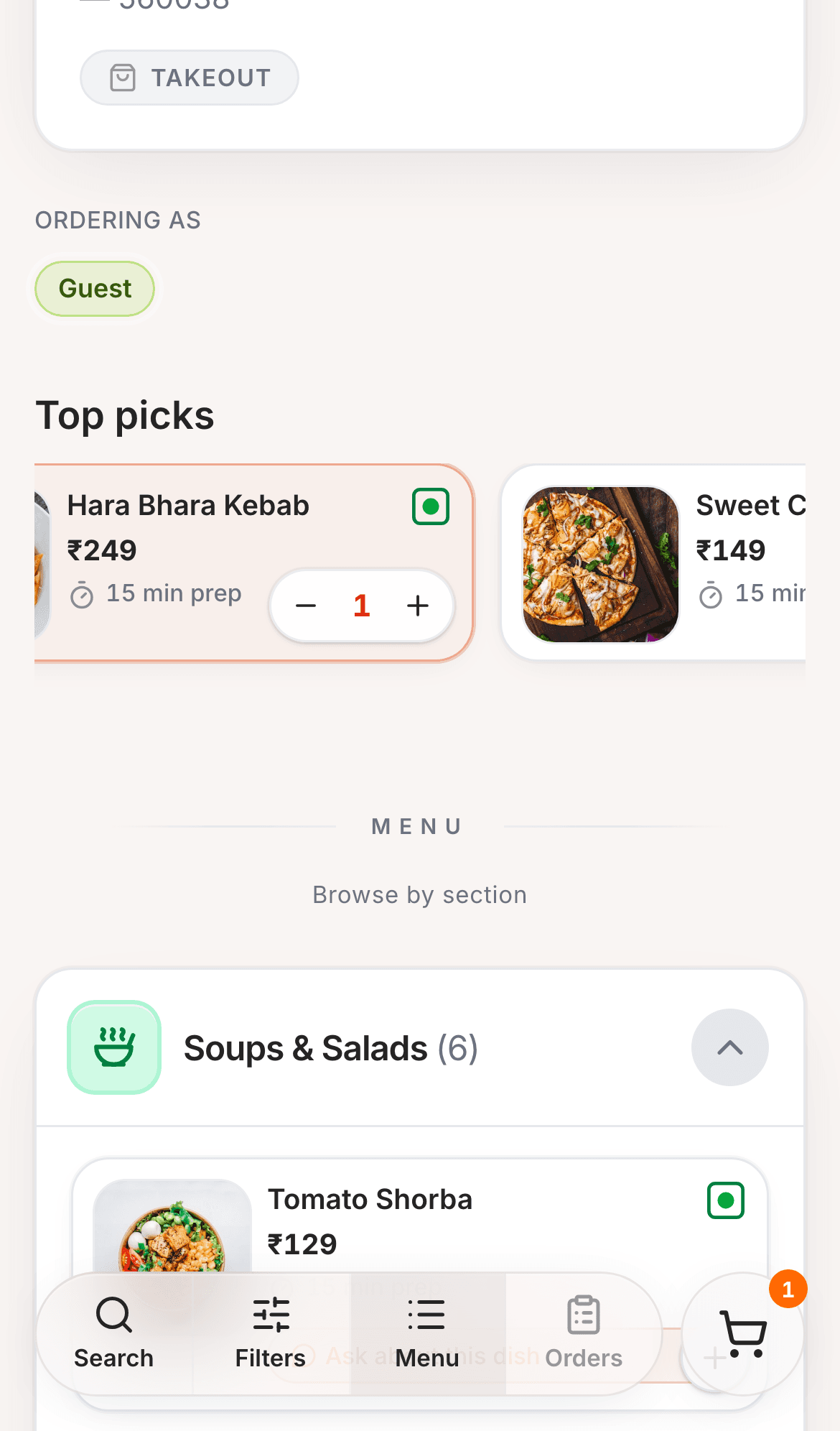
Give guests a browser-based menu with modifiers, veg cues, and a shared cart.
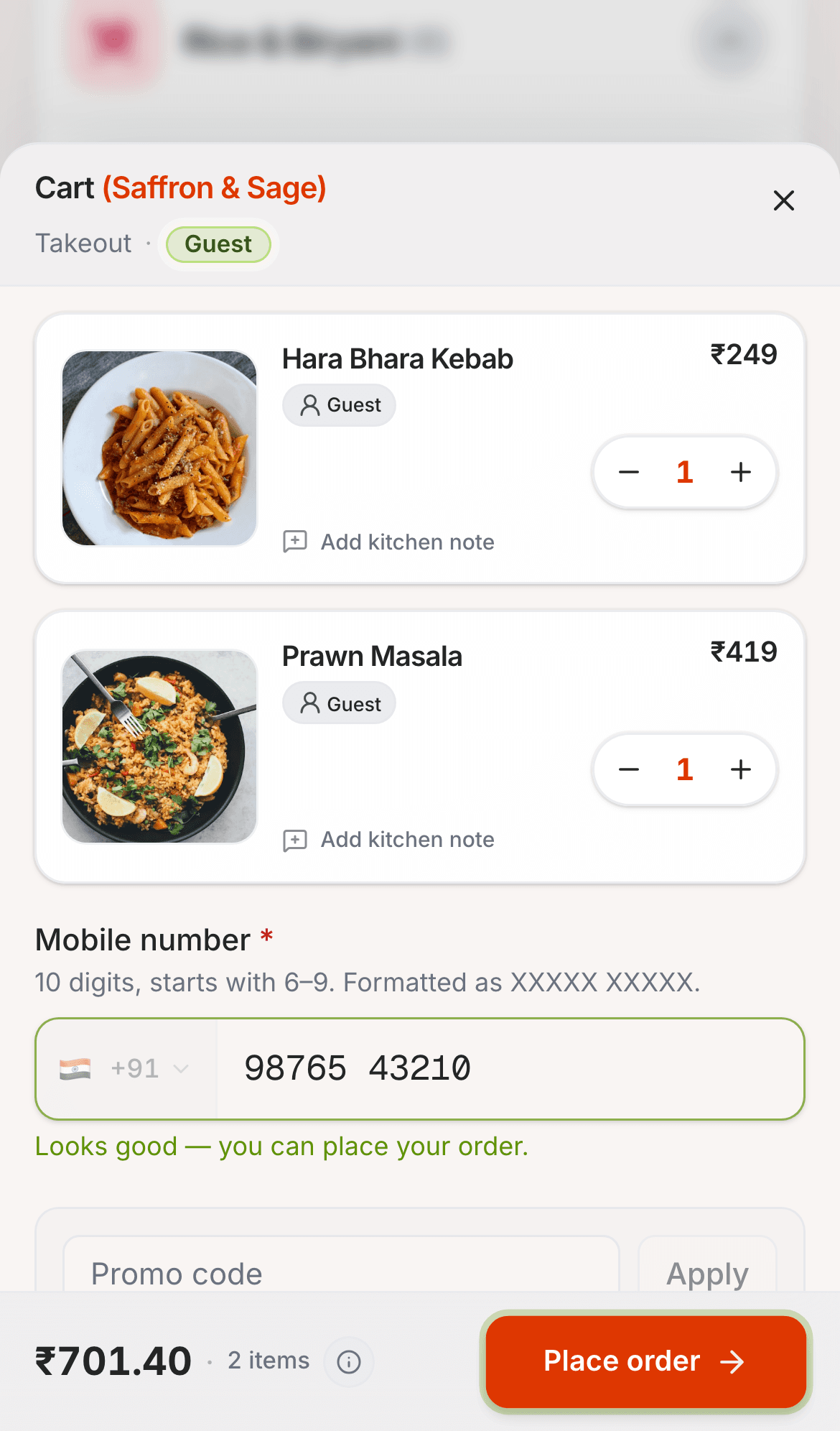
Guests scan and order from the table. Your live board and kitchen pass stay in sync — with a QR-based UPI payment flow and configurable billing.
Designed for restaurant teams
eRestro brings guest ordering, floor service, kitchen work, and settlement into a single operating system for restaurant teams.
Give guests a browser-based menu with modifiers, veg cues, and a shared cart.
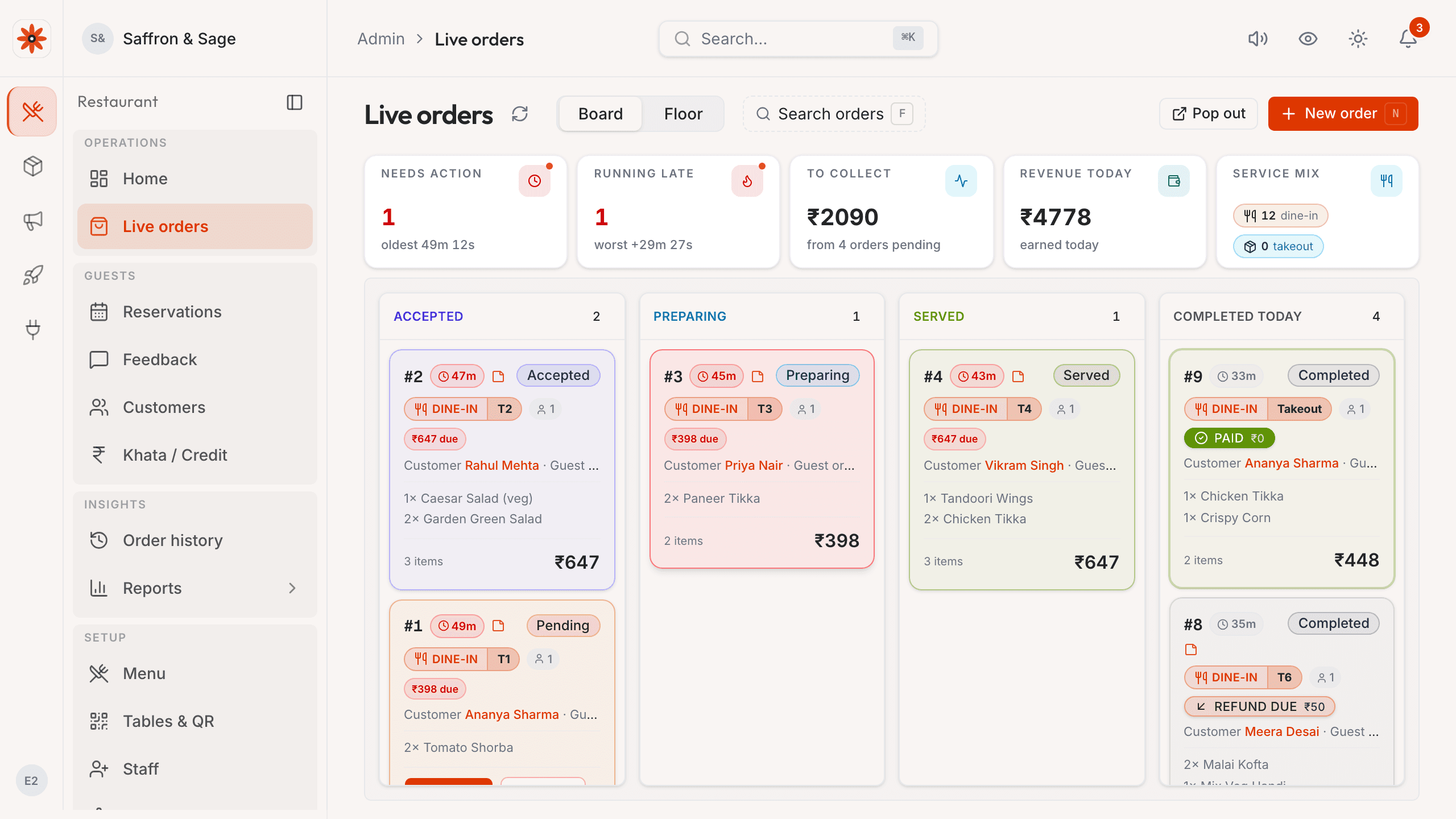
Keep incoming orders, table context, and service status in one owner view.
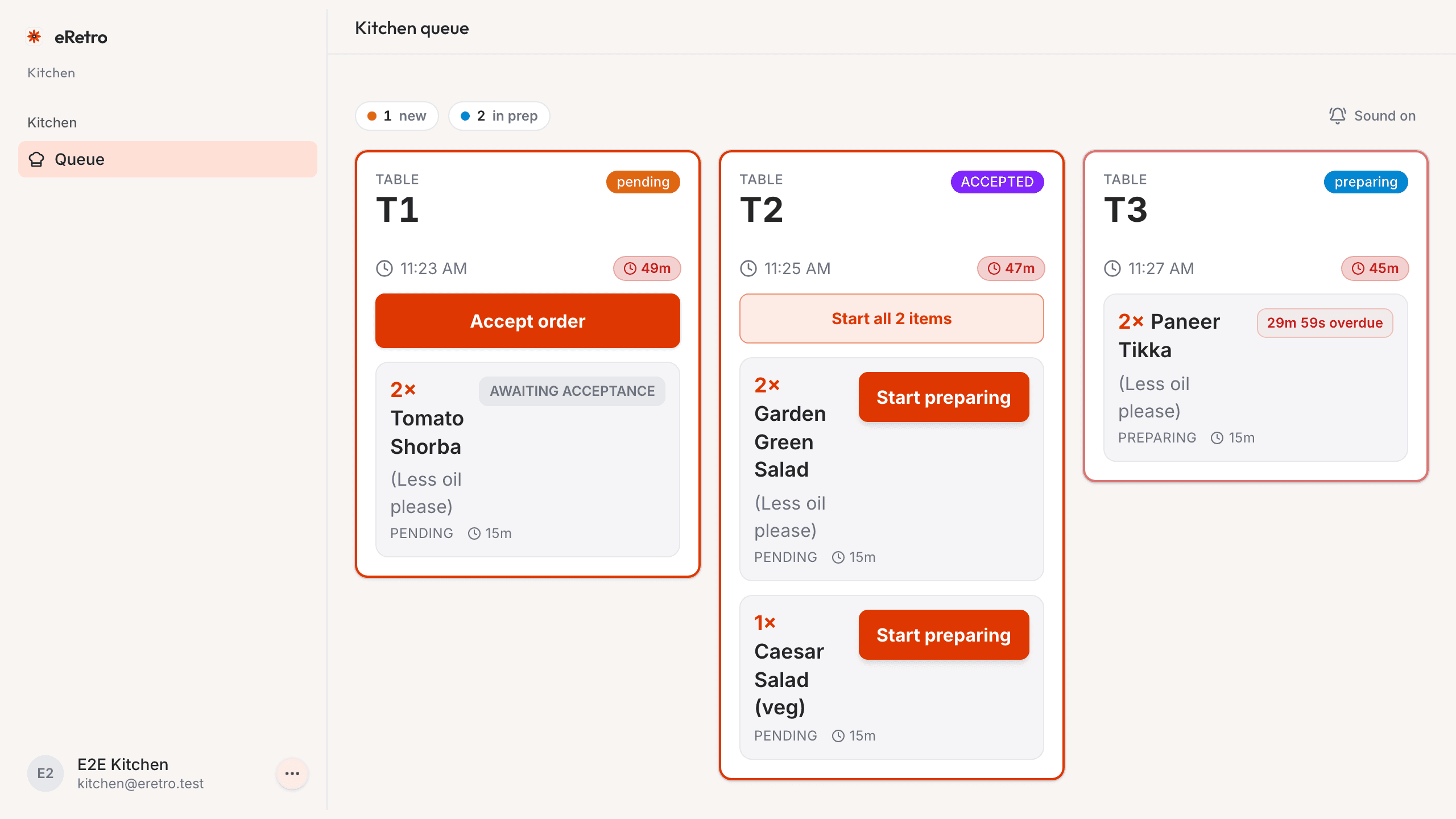
Route the same ticket to a readable kitchen display as service picks up.
Let staff work from table context instead of switching between disconnected tools.
Show the venue UPI QR when a bill is ready; staff confirm the payment in the settlement workflow.
Carry venue-configured tax, service charge, round-off, and receipt settings through billing.
How it works
Follow one table order from QR scan to owner alert, kitchen queue, and staff on the floor — the same ticket, synced live.
Step 01
Guests browse the live menu, add modifiers, and confirm the cart without installing an app.
Step 02
The owner board gets the table, items, and alert in one place before the kitchen starts.
Step 03
Kitchen tickets stay tied to the same order, so prep status is visible without retyping.
Step 04
Staff can add items, coordinate tables, and help guests from the same floor context.
Floor · Main hall
4 tables need attention
T-4
4 guests
₹1,240
5 items
T-7
2 guests
₹680
3 items
T-11
6 guests
₹2,180
8 items
T-2
2 guests
₹940
4 items
Why eRestro
The homepage shows the operating surfaces owners ask about first: guest ordering, kitchen visibility, owner control, waiter support, and settlement.
Guests browse, customize, review the cart, and check out from their own phone.
Tickets move from new to preparing to served on a clean rush-state pass.
Owners accept, route, and track table orders without stitching together tools.
Floor · Main hall
4 tables need attention
T-4
4 guests
₹1,240
5 items
T-7
2 guests
₹680
3 items
T-11
6 guests
₹2,180
8 items
T-2
2 guests
₹940
4 items
Floor staff can add items, coordinate tables, and help guests without losing context.
Bill T-7
₹1,420
VPA
saffronandsage@upi
Guests can report payment; staff confirm it in the owner workflow.
Show a venue UPI QR with the bill, then let staff confirm the payment in the settlement workflow.
Receipt #118
Saffron & Sage
Tax, service charge, round-off, and receipt settings follow the venue configuration; validate bill output with your accountant.
Product surfaces
Each role sees the surface it needs, while menu, orders, table context, and billing stay connected.
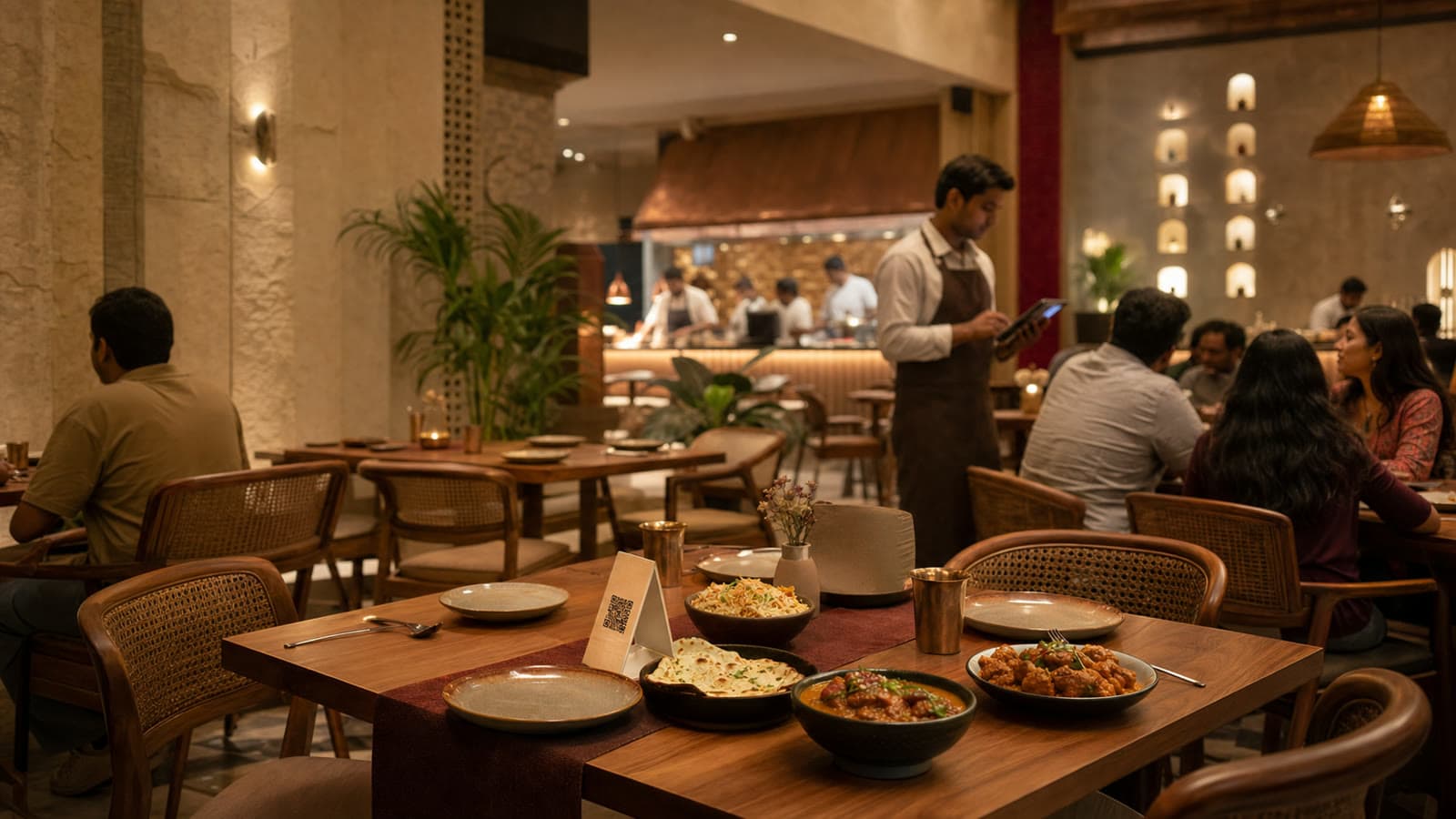
Guests still get hospitality at the table; eRestro keeps the order, kitchen, and bill aligned behind it.
Floor proof
Start with a table scan, keep the kitchen pass live, let staff help without losing context, and close the bill cleanly.
At the table
Guest QR order
At the pass
Live kitchen queue
At checkout
UPI QR + billing
Built for India
Configurable billing, QR-based UPI payment, service charge, and venue pricing are built into the product from day one.
Venue-configured tax, service charge, round-off, and receipt settings flow through billing; validate output with your accountant.
Venue UPI details and optional tips can appear on the bill; staff confirm payment in the settlement workflow.
Review the current plan scope and pricing before deciding what fits your restaurant.
Pricing
Review a current written venue plan, then grow from QR ordering to full-floor operations as service needs change.
What owners ask first
Launch the floor
Start with your tables and menu, then bring the kitchen display and waiter app online as the floor gets busier.
FAQ
Everything owners, captains, and kitchen leads ask before they move guest ordering and the kitchen pass onto one system — in plain language.
Need a custom rollout?
Multi-outlet groups and high-volume kitchens can align on access, reporting, and training — start from pricing or request access and we'll follow up.
No. Guests scan your table QR and order in the mobile browser — works on everyday 4G with nothing to install.